

Why Use the Wrapper?
Section titled “Why Use the Wrapper?”- Automatic CSRF handling — No need to manage tokens manually
- Built-in spinner — Shows a loading indicator during requests
- Less coupling — If the API changes, the wrapper absorbs more of that churn
- Cleaner code — Less boilerplate for you
Importing the Wrapper
Section titled “Importing the Wrapper”Add this to your template's <head>:
<meta name="csrf-token" content="{{ CSRFToken }}"><script src="{{ "Api/API.js?v=#{guest.system_version}" | library_url }}"></script>What this does:
- Creates a meta tag with the CSRF token (the wrapper reads this automatically)
- Loads the API wrapper, appending the system version to prevent caching issues
Making Requests
Section titled “Making Requests”The wrapper follows this pattern:
API.{role}.{method}(endpoint, params, onSuccess, onError, showSpinner)| Parameter | Description |
|---|---|
role | admin, client, or guest |
method | get or post |
endpoint | The API endpoint (e.g., "system/version") |
params | Request parameters (object) |
onSuccess | Callback function for successful responses |
onError | Callback function for errors |
showSpinner | Boolean to show/hide the loading spinner (optional, default: true) |
Examples
Section titled “Examples”Get System Version (Guest)
Section titled “Get System Version (Guest)”API.guest.get( "system/version", {}, function(response) { console.log("Version:", response); }, function(error) { console.error("Error:", error); });Get Client List (Admin)
Section titled “Get Client List (Admin)”API.admin.post( "client/get_list", { per_page: 10, page: 1 }, function(response) { console.log("Clients:", response.list); }, function(error) { console.error("Failed to load clients:", error); });Disable the Spinner
Section titled “Disable the Spinner”API.admin.post( "client/get_list", {}, function(response) { console.log(response.list); }, function(error) { console.error(error.message); }, false);Loading Spinner
Section titled “Loading Spinner”The wrapper automatically shows a spinner for requests taking longer than 250ms. To use it:
- Include a
.spinner-borderclass in your CSS - The wrapper creates and removes the spinner element automatically
.spinner-border { display: inline-block; animation: spin 1s linear infinite;}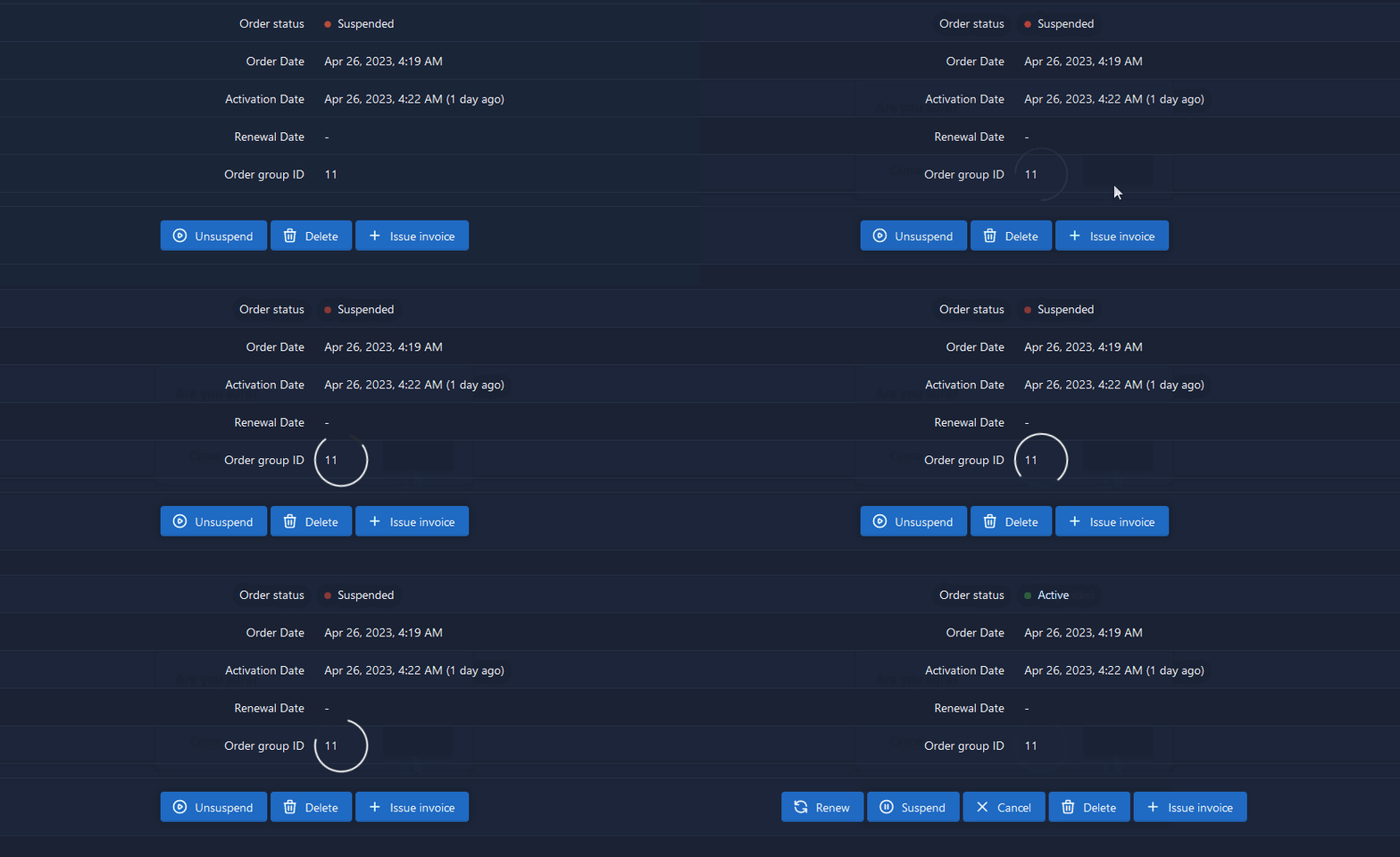
Disabling the Spinner
Section titled “Disabling the Spinner”Either:
- Don't define a
.spinner-borderclass in your CSS - Pass
falseas the fifth parameter to the API call
Handling Responses
Section titled “Handling Responses”Success Response
Section titled “Success Response”The success callback receives the decoded API response object:
function(response) { console.log(response.result);}Error Response
Section titled “Error Response”The error callback receives the API error payload:
function(error) { console.error(error.message);}Complete Example
Section titled “Complete Example”function loadProfile() { API.client.get( "client/profile", {}, function(profile) { document.getElementById('name').textContent = profile.first_name + ' ' + profile.last_name; document.getElementById('email').textContent = profile.email; }, function(error) { alert('Failed to load profile: ' + error.message); } );}
document.addEventListener('DOMContentLoaded', loadProfile);For more details, see the API Reference.